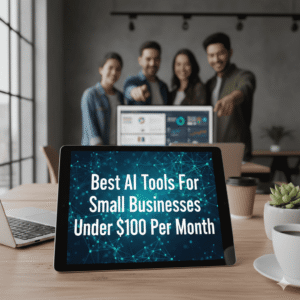
Affordable AI That Cuts Costs and Scales Your Business Smarter
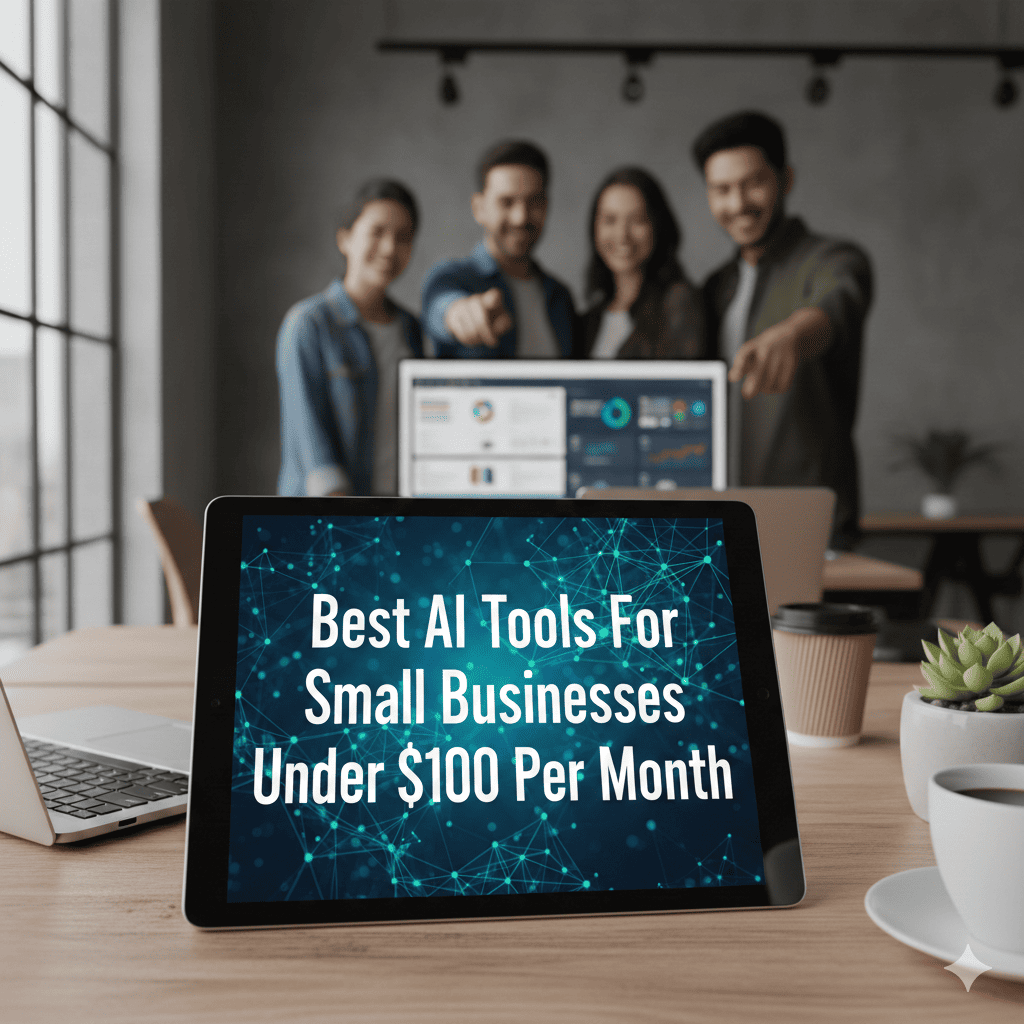
Small businesses in the United States are increasingly adopting AI software to automate operations, improve customer service, optimize marketing, and reduce administrative overhead.
While enterprise AI platforms can cost thousands per month, many powerful AI tools are available under $100 per month — making them accessible for startups, e-commerce stores, service providers, and growing teams.
This guide compares the best AI tools for small businesses under $100 per month based on:
• Pricing transparency
• Automation capabilities
• Integration ecosystem
• Scalability
• Suitability for US-based teams
If you’re evaluating AI software to improve efficiency without overspending, this structured comparison will help you make an informed decision.
Quick Recommendation Summary
If you prefer a fast shortlist before diving into full comparisons:
• Solopreneurs → Zoho Desk or Tidio
• Growing SMBs → HubSpot Starter + QuickBooks
• SaaS startups → Zendesk or ClickUp AI
• Data-driven teams → Surfer AI + analytics tools
Scroll below for detailed pricing tables and feature breakdowns.
AI Tools Under $100: Pricing Comparison Table
| Tool | Starting Price (Monthly) | Best For | Annual Savings Option | Ideal Team Size |
|---|---|---|---|---|
| HubSpot Starter + AI | $20–$50 | CRM + marketing automation | Yes | 1–10 |
| QuickBooks Online | $30 | Accounting automation | Yes | 1–15 |
| Zendesk Suite Team | $49/agent | Customer support | Yes | 3–20 |
| ClickUp AI | $5–$19 + AI add-on | Workflow automation | Yes | 1–25 |
| Zoho Desk | $20 | Helpdesk automation | Yes | 1–10 |
| Tidio AI | $29 | E-commerce chatbots | Yes | 1–10 |
| Surfer AI | ~$89 | SEO content optimization | Yes | 1–5 |
| Monday.com AI | ~$10–$24 | Project management | Yes | 3–20 |
| Pictory | ~$39 | Video marketing automation | Yes | 1–10 |
All pricing reflects US market rates at time of writing and may vary by billing plan.
Best AI Tools by Business Function
Instead of selecting software randomly, small businesses should align tools with operational needs.
1. Marketing & Lead Generation
HubSpot Starter + AI Features
Starting around $20–$50 per month depending on features.
Best for:
• US small businesses needing CRM + email marketing
• Lead tracking and automation
• Sales pipeline visibility
AI capabilities include:
• Email content generation
• Predictive lead scoring
• Workflow automation
Why it matters:
HubSpot allows small businesses to manage marketing and CRM in one ecosystem, reducing tool fragmentation.
Surfer AI
Starting around $89 per month.
Best for:
• SEO-driven businesses
• Content-heavy websites
• Agencies serving US clients
AI capabilities:
• Content scoring
• SERP analysis
• Keyword optimization
For businesses generating revenue from organic search, Surfer AI helps increase ranking efficiency.
For marketing-focused comparisons, including email automation and campaign tools, see AI Tools for Digital Marketers.
Pictory
Starting around $39 per month.
Best for:
• Content repurposing
• Video marketing
• YouTube and social media automation
Small businesses can turn blog posts into video content without hiring editors.
2. Customer Support & Helpdesk Automation
Zendesk Suite Team
Starting at $49 per agent per month.
Best for:
• Growing SaaS startups
• E-commerce brands
• Multi-agent support teams
AI features:
• Ticket routing
• Suggested responses
• Analytics dashboards
Zendesk is ideal for US businesses handling 1,000+ monthly tickets.
For a deeper breakdown of helpdesk platforms and chatbot automation, review our guide to AI Tools for Customer Support.
Zoho Desk
Starting at $20 per agent per month.
Best for:
• Budget-conscious small teams
• Basic ticket automation
• Helpdesk beginners
AI features:
• Auto-tagging
• Sentiment tracking
• Self-service portalsio AI
Starting at $29 per month.
Best for:
• Shopify stores
• Small online retailers
• Social media chat management
AI chatbots can deflect repetitive inquiries such as order tracking and return policies.
If you’re evaluating lighter automation options, you may also review our guide on Best AI Tools for Small Businesses Under $50 Per Month for entry-level alternatives.
3. Accounting & Finance Automation
QuickBooks Online
Starting around $30 per month.
Best for:
• US tax compliance
• Expense tracking
• Automated invoicing
AI features:
• Auto-categorization of transactions
• Cash flow forecasting
• Financial reporting
For US small businesses, accounting automation reduces bookkeeping hours and improves financial clarity.
4. Workflow & Operations Automation
ClickUp AI
Starting at $5–$19 per user plus AI add-on.
Best for:
• Task management
• SOP documentation
• Internal collaboration
AI capabilities:
• Task summarization
• Content drafting
• Project forecasting
Monday.com AI
Starting around $10–$24 per user.
Best for:
• Project management
• Workflow visibility
• Operational dashboards
AI features:
• Risk detection
• Timeline predictions
• Workflow automation
Teams expanding hiring and internal management may benefit from reviewing AI Tools for HR Managers.
Cost Per Employee Logic
When evaluating AI tools under $100 per month, small businesses should calculate cost per employee.
Example:
If a $79/month platform serves 5 employees:
Cost per employee = $15.80 per month.
If that tool saves each employee 3 hours per week:
At $25/hour labor value → $300+ productivity gain per month.
AI software should be evaluated as operational leverage, not expense.
Monthly vs Annual Pricing Considerations
Most platforms offer 10–20% savings for annual billing.
Example:
$49/month billed annually = ~$39/month effective rate.
Before committing:
• Compare annual discount percentages
• Review cancellation policies
• Understand seat-based pricing
• Evaluate AI usage limits
Avoid tools that scale pricing aggressively as your contact database grows.
Comparing All-in-One Platforms vs Specialized AI Tools
Small businesses often face a strategic decision:
Should you use one all-in-one platform, or combine multiple specialized tools?
All-in-One Platforms (Example: HubSpot, Zoho Ecosystem)
Pros:
• Fewer integrations required
• Unified dashboard
• Easier onboarding
• Simplified billing
Cons:
• May lack deep specialization
• Higher pricing at scale
• Feature limitations in lower tiers
Best for:
• Small teams under 10 employees
• Businesses seeking simplicity
Specialized Tool Stack (Example: Zendesk + QuickBooks + Surfer AI)
Pros:
• Best-in-class performance per function
• Higher flexibility
• Stronger performance in specific tasks
Cons:
• More integrations required
• Slightly higher setup complexity
Best for:
• Growth-stage businesses
• Teams comfortable managing multiple tools
There is no universally correct approach.
The decision depends on operational complexity and internal technical confidence.
Integration & Ecosystem Compatibility
AI software rarely operates independently.
Evaluate integration compatibility with:
• Salesforce
• HubSpot
• QuickBooks
• Shopify
• Stripe
• Slack
• Google Workspace
HubSpot and Salesforce ecosystems are particularly strong for US businesses already invested in CRM workflows.
Choosing compatible platforms reduces manual data entry and prevents operational silos.
ROI Modeling: When Do AI Tools Pay for Themselves?
AI tools typically deliver ROI through:
1. Time Savings
Automating invoicing, email marketing, or ticket routing can save 5–15 hours weekly.
2. Revenue Growth
CRM and marketing AI tools improve follow-up speed and lead conversion rates.
3. Hiring Cost Reduction
Automation can delay hiring additional administrative or support staff.
For most US small businesses, even modest efficiency gains justify tools under $100 per month within 60–90 days.
Realistic ROI Scenarios for US Small Businesses
To understand the real financial impact of AI tools under $100 per month, consider the following simplified scenarios.
Scenario 1: Local Service Business (5 Employees)
A small HVAC company uses:
• QuickBooks for invoicing automation
• HubSpot Starter for lead tracking
Before AI:
• 8 hours/week spent on manual invoicing
• Missed follow-ups on inbound website leads
After automation:
• Invoicing time reduced to 2 hours/week
• Lead follow-up automated within 5 minutes
If labor cost averages $28/hour:
6 hours saved × 4 weeks × $28 = $672 monthly savings
Even if combined tool cost is $79/month, ROI is significantly positive.
Scenario 2: E-commerce Store (3 Employees)
An online Shopify store implements:
• Tidio AI chatbot
• Surfer AI for SEO optimization
Results:
• 40% reduction in repetitive support tickets
• Improved blog rankings increasing organic traffic
If one part-time support hire ($1,500/month) is avoided, AI pays for itself immediately.
Scenario 3: SaaS Startup (10 Employees)
Startup uses:
• Zendesk for ticket routing
• ClickUp AI for documentation
Outcome:
• Faster resolution times
• Reduced onboarding friction
• Clear internal SOP automation
Even small productivity gains across 10 employees can justify subscription costs quickly.
Break-Even Analysis Example
Assume a $79/month AI platform.
Break-even calculation:
If the average employee hourly cost = $30
The tool must save only 2.6 hours per month to break even.
2.6 hours = roughly 40 minutes per week.
Even modest automation easily exceeds this threshold.
This is why properly selected AI tools under $100 per month can produce disproportionately high returns for small teams.
Businesses focused on forecasting and reporting should also explore our detailed review of AI Tools for Data Analysis.
Industry-Specific AI Stack Examples
Different industries benefit from different AI combinations.
Professional Services (Consultants, Agencies)
Recommended stack:
• HubSpot Starter
• QuickBooks
• ClickUp AI
Focus: lead tracking, billing automation, project organization.
E-commerce Businesses
Recommended stack:
• Shopify
• Tidio AI
• QuickBooks
• Surfer AI
Focus: customer support automation, SEO growth, financial clarity.
Local Service Providers
Recommended stack:
• HubSpot CRM
• QuickBooks
• Zoho Desk
Focus: follow-ups, appointment reminders, invoicing efficiency.
Content Creators & Educators
Recommended stack:
• Surfer AI
• Pictory
• HubSpot Email Marketing
Focus: SEO, video repurposing, email list growth.
These stack examples help small business owners visualize implementation more clearly.
When $100 Per Month Is NOT Enough
AI tools under $100 are ideal for:
• Small teams
• Early-stage startups
• Lean operational models
However, enterprise businesses with:
• 50+ employees
• Complex compliance requirements
• Advanced predictive analytics needs
May require higher-tier enterprise platforms.
In such cases, consider advanced CRM ecosystems or custom AI implementations.
How to Choose the First AI Tool to Implement
Instead of subscribing to multiple platforms at once, small businesses should prioritize implementation strategically.
Use this decision framework:
Step 1: Identify Your Largest Time Drain
Examples:
• Manual invoicing
• Missed follow-ups
• Customer support overload
• Content production bottlenecks
Step 2: Estimate Weekly Hours Lost
Multiply:
Hours lost × hourly labor cost
This reveals your true operational leakage.
Step 3: Compare Against Tool Cost
If a $49/month platform saves $400 worth of time monthly, implementation is justified.
Step 4: Pilot for 60 Days
Track:
• Time saved
• Revenue change
• Workflow improvement
Scaling AI without a pilot phase increases financial risk.
Measured adoption improves long-term efficiency.
Implementation Timeline & Setup Complexity
Fast Deployment (1–3 Days)
• Tidio
• Zoho Desk
• Pictory
Moderate Setup (1–2 Weeks)
• HubSpot
• ClickUp
• Monday.com
Complex Setup (2–4 Weeks)
• Zendesk
• Salesforce integrations
Understanding deployment time prevents operational disruption.
Key Metrics to Track After Adoption
After implementing AI software, monitor:
• Customer acquisition cost
• Ticket deflection rate
• Revenue per employee
• Time saved per week
• Cost per lead
• Cash flow predictability
AI tools should improve measurable metrics within the first quarter.
Common Mistakes Small Businesses Make When Adopting AI
To maximize return, avoid these common errors:
1. Adopting Too Many Tools at Once
Over-automation creates complexity instead of efficiency.
2. Ignoring Training
AI tools require workflow configuration and employee onboarding.
3. Not Measuring ROI
Without tracking performance metrics, benefits remain unclear.
4. Choosing Tools Based Only on Popularity
Well-known brands may not always fit your specific operational bottleneck.
5. Skipping Integration Checks
Disconnected systems increase manual workload.
A measured, strategic rollout produces better long-term results.
For deeper comparisons, explore:
AI Tools for Email Marketing
AI Tools for Customer Support
AI Tools for Data Analysis
AI Tools for HR Managers
These guides provide more function-specific comparisons.
US Tax & Accounting Considerations for AI Software
In the United States, most business software subscriptions qualify as ordinary and necessary business expenses under IRS guidelines.
This means:
• Monthly AI subscriptions are typically deductible
• Annual plans may be deducted as prepaid expenses
• Automation software may qualify under Section 162 business expense rules
However:
• Businesses should maintain clear documentation
• Subscription invoices should be categorized properly
• Consultation with a licensed CPA is recommended
For small businesses, deductibility further improves effective ROI of AI investments.
Risk Management & Data Security Considerations
When evaluating AI software, US small businesses should also consider compliance and security standards.
Review the following:
• SOC 2 certification
• GDPR and CCPA compliance
• Data encryption standards
• API security protocols
• Role-based access control
Particularly for industries such as healthcare, finance, or legal services, secure data handling is critical.
Before subscribing:
• Review vendor security documentation
• Confirm data storage region
• Understand data retention policies
Trustworthy vendors provide transparent compliance disclosures.
Vendor Evaluation Checklist Before Purchasing
Before committing to any AI tool under $100 per month, small business owners should perform a structured vendor evaluation.
Use this checklist:
Product Fit
☐ Does the tool directly solve a measurable bottleneck?
☐ Is it built specifically for small to mid-sized businesses?
☐ Are AI features included in the base plan or sold as add-ons?
Pricing Transparency
☐ Is pricing clearly published on the website?
☐ Are there hidden per-user or per-contact fees?
☐ Does pricing increase significantly as your team scales?
Scalability
☐ Can the tool support growth from 5 to 20 employees?
☐ Does it offer upgrade paths without full migration?
☐ Are API integrations available?
Support & Documentation
☐ Is onboarding documentation clear?
☐ Is live chat or email support included?
☐ Are knowledge base resources sufficient?
Contract Flexibility
☐ Is monthly billing available?
☐ Can you cancel without penalty?
☐ Are annual discounts optional rather than mandatory?
Small businesses benefit from choosing vendors that prioritize transparency and flexibility over aggressive upselling.
FAQs: AI Tools for US Small Businesses
What is the best AI tool for small businesses under $100?
There is no single best tool. CRM-driven businesses often prefer HubSpot, while e-commerce brands benefit from Tidio and QuickBooks integration.
Are AI software subscriptions tax deductible in the US?
In most cases, business software subscriptions are deductible as operating expenses. Consult a licensed tax professional for guidance.
Should small businesses use multiple AI tools or an all-in-one platform?
All-in-one platforms reduce integration complexity, but specialized tools often provide deeper functionality.
How do I calculate ROI on AI software?
Compare subscription cost against time saved, revenue growth, and labor reduction. If monthly gains exceed subscription cost, ROI is positive.
Can AI replace employees in small businesses?
AI automates repetitive tasks but does not replace strategic decision-making or relationship building.
Is data secure with AI software?
Most major vendors offer encryption and GDPR compliance, but businesses should review security certifications before purchase.
Final Verdict: Choosing the Right AI Stack
AI tools under $100 per month offer significant leverage for US small businesses seeking automation without enterprise pricing.
Rather than subscribing to multiple platforms immediately, businesses should identify their most time-consuming bottleneck and implement one targeted AI solution first.
As operations scale, AI stacks can expand strategically across marketing, support, finance, and workflow management.
AI tools under $100 per month represent one of the most accessible forms of operational leverage available to US small businesses today.
When deployed strategically, even modest automation can produce meaningful improvements in revenue consistency, employee productivity, and customer satisfaction.
The most effective approach is incremental:
- Identify your highest-cost bottleneck
- Implement one AI tool
- Measure performance over 60–90 days
- Expand only if ROI is clear
Sustainable AI adoption outperforms aggressive tool accumulation.
As AI software becomes more accessible, the competitive advantage will not come from adopting the most tools — but from implementing the right tools thoughtfully.
Small businesses that approach AI as operational leverage rather than a trend will see sustainable performance improvements over time.